Caste Certificate in UP — Apply Online on eSathi
What is a caste certificate?
A caste certificate (जाति प्रमाण पत्र, jati praman patra) is the official document that proves a person belongs to a particular caste recognised by the Government of Uttar Pradesh as Scheduled Caste (SC), Scheduled Tribe (ST) or Other Backward Class (OBC). It is issued by the Tehsildar of your tehsil after a local verification, and it carries the officer's digital signature.
The certificate is asked for wherever caste-based entitlement is claimed:
- Reservation in jobs and admissions — SC/ST/OBC quota seats in government recruitment, universities and professional courses require this proof.
- Scholarships — UP post-matric and other caste-linked scholarships are processed against the caste certificate.
- Fee concessions and age relaxation — many examinations and schemes give relaxations only against a valid certificate.
- Elections and welfare schemes — contesting reserved seats and several housing and welfare benefits also need it.
One point is essential before you apply: the caste must be on the Uttar Pradesh state list. Caste lists differ from state to state, so a caste notified as OBC in a neighbouring state may not be notified in UP. If your family migrated to UP, check the state list first — the certificate can only be issued for a listed caste.
Caste certificate at a glance
| Fee via eSathi (self-apply) | ₹10–15 |
|---|---|
| Fee via CSC | ₹30 + ₹30–50 facilitation charge |
| Processing time | 7–15 working days |
| Validity — SC / ST | Lifetime |
| Validity — OBC Non-Creamy Layer | 1–3 years (income-linked, see below) |
| Where to apply | esathi.up.gov.in (Citizen Login on edistrict.up.gov.in) |
| Issued by | Tehsildar of your tehsil, after Lekhpal verification |
| Helpline | 0522-2304706 · ceghelpdesk@gmail.com |
SC/ST and OBC Non-Creamy Layer — the difference that matters
Although both are called "caste certificates", the SC/ST certificate and the OBC certificate work differently, and the documents and validity follow from that difference.
SC and ST certificates
Caste by birth does not change, and neither does SC/ST status. Once issued, the certificate remains valid for life — you apply once and use it permanently. Verification concentrates on one question: does this family actually belong to the claimed caste? The Lekhpal confirms it through local enquiry and records.
OBC Non-Creamy Layer certificates
For OBC applicants, reservation benefits are limited to the Non-Creamy Layer (NCL) — families below a prescribed income and status ceiling (broadly ₹8 lakh annual income for central purposes). Because a family's income can rise over time, NCL status is treated as temporary: the certificate is generally valid for 1–3 years, and universities, recruiting boards and scholarship departments frequently insist on a certificate from the current financial year. Along with caste proof, an OBC applicant's family income is also examined, which is why the income documents listed below become important for OBC applications.
Documents required for a caste certificate
- Aadhaar card of the applicant
- Recent passport-size photograph
- Ration card
- Self-declaration form (swa-pramanit ghoshna patra), filled and signed — upload as JPEG
- Caste proof: father's or a close paternal relative's existing caste certificate — the strongest and most commonly used proof
- If no family member has a certificate: certificate from the Gram Pradhan (village) or local councillor confirming your caste
- Supporting records where available: school leaving certificate or land/revenue records that mention caste
- For OBC NCL applications: income proof of the family (salary slip, income certificate or bank statement)
How to apply for a caste certificate online — step by step
Register or log in on eSathi
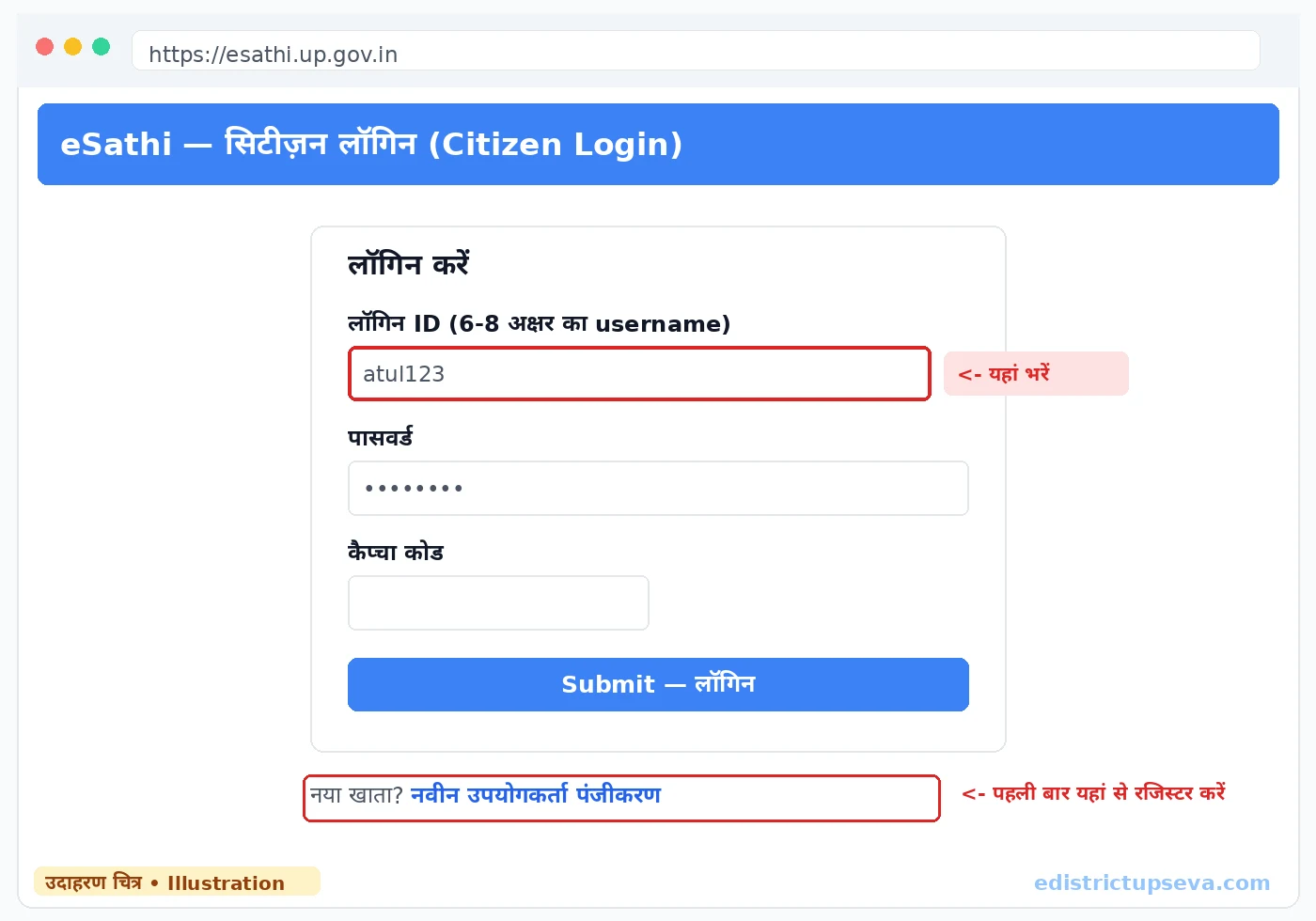
Open esathi.up.gov.in. New users click "New User Registration" (नवीन उपयोगकर्ता पंजीकरण), fill name (exactly as on Aadhaar), date of birth, address, district and an Aadhaar-linked mobile number, create a 6–8 character login ID, verify the Aadhaar OTP and set a password. Existing users log in directly with login ID, password and captcha.
Open the certificate services list
From the dashboard, go to certificate services (प्रमाण पत्र सेवाएं), which lists all revenue department certificates available online.
Select "Caste Certificate" and your category
Choose the caste certificate (जाति प्रमाण पत्र) service and select your category — SC, ST or OBC. For OBC, the form proceeds on the Non-Creamy Layer basis, so keep the family's income details ready.
Fill the applicant's details
Enter name, father's name, date of birth, gender and complete address — district, tehsil, block, village or ward. Write your caste name exactly as it appears in the UP state list; free-text variations cause verification queries.
Enter the caste proof details
If your father or a relative already holds a caste certificate, enter its certificate number and issuing details in the form. This links your application to an existing verified record and noticeably speeds up verification. If the family is applying for the first time, this section stays based on the Pradhan or councillor certificate.
Select rural or urban
Choose ग्रामीण (rural) or नगरीय (urban) according to your actual residence. This routes the file to the correct verifying officer — the Lekhpal for villages, the Revenue Inspector for urban areas.
Upload the documents
Upload the photograph, Aadhaar, ration card, caste proof and the signed self-declaration (JPEG only). Every file under 100KB and clearly readable — the Lekhpal and Tehsildar decide from these scans before the field visit.
Review, submit and pay
Check the preview against your Aadhaar and caste proof, submit, and pay the ₹10–15 fee through PAYGOV (UPI, net banking or debit card). If a payment debits but shows pending, wait 24–48 hours for reconciliation instead of paying twice.
Note your SRN
The portal generates a Service Request Number (SRN), also sent by SMS. Keep it safe — it is your tracking reference and the first thing the helpline will ask for.
Fees: applying yourself vs through a CSC
| Route | Government fee | Extra charges | Total you should pay |
|---|---|---|---|
| eSathi (self-apply online) | ₹10–15 | None | ₹10–15 |
| CSC / Jan Seva Kendra | ₹30 | ₹30–50 facilitation | ₹60–80 |
If you use a CSC, the operator applies through their own operator login — never hand over your personal eSathi password. Read more in the CSC guide.
Check status and download the certificate
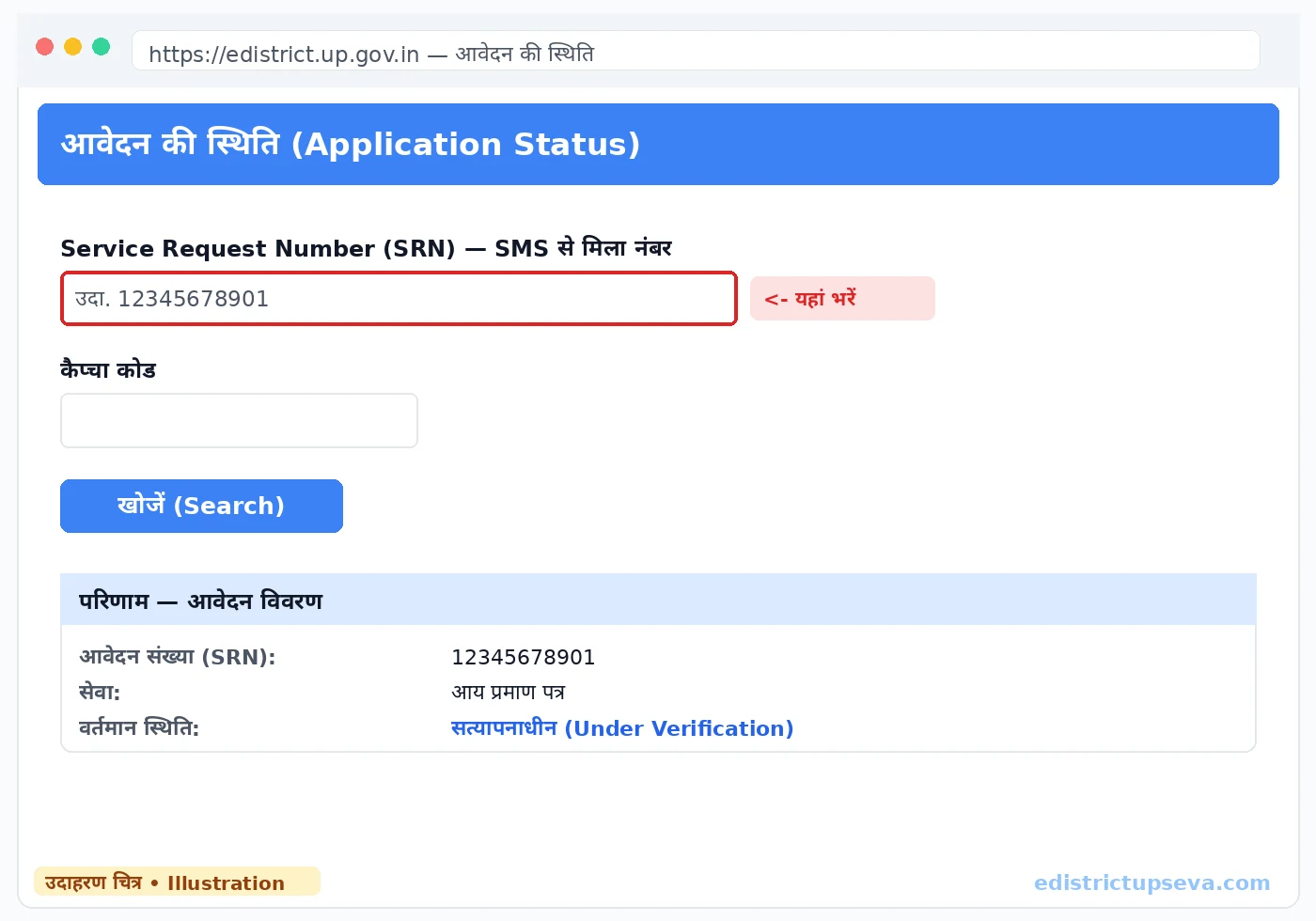
Track your application with the SRN — the complete method and the meaning of each status (Under Verification, Forwarded to Tehsildar, Approved, Certificate Generated) are covered in the status check section of the homepage guide. When the status reaches Certificate Generated, log in to eSathi, open Completed Applications, click your application and use Print → Save as PDF. The signed PDF is the final certificate and can be printed any number of times; it also reaches DigiLocker's Issued Documents after a few days.
Common rejection reasons — and how to fix them
- Weak caste proof — applying with no family certificate and no Pradhan/councillor certificate. Obtain one of the two before reapplying.
- Caste not in the UP list — the claimed caste is notified in another state but not in UP. This cannot be fixed by resubmitting; check the state list first.
- Self-declaration missing, unsigned or uploaded as PDF — sign it and upload a clear JPEG.
- Name or father's name mismatch — details must match Aadhaar and the caste proof exactly, including spelling.
- OBC income too high for NCL — if the family's income crosses the ceiling, the NCL certificate is refused; the remark states the income reason.
- Wrong tehsil or rural/urban choice — the verifying officer is not the one for your area; correct the selection and resubmit.
Rejection carries no penalty and no extra fee. Read the remark in your eSathi account, fix that specific point and apply again. For a file pending beyond 15 working days, complain on the portal or call 0522-2304706 with your SRN.
Related guides
- Income Certificate in UP — needed alongside OBC NCL applications and for scholarships.
- Domicile Certificate in UP — residence proof, a common companion document in admissions and jobs.
- Self-Declaration Form — mandatory for caste applications; format and upload rules explained.
- CSC / Jan Seva Kendra Guide — applying through a CSC without overpaying.
Frequently Asked Questions
Who can get a caste certificate in Uttar Pradesh?
How much does a caste certificate cost in UP?
How long is a UP caste certificate valid?
What documents prove my caste?
How many days does a caste certificate take?
What is the difference between OBC and OBC Non-Creamy Layer?
My caste certificate application was rejected. What now?
Can I apply for a caste certificate from another district?
Last updated: 22 October 2026