Domicile Certificate in UP — Apply Online on eSathi
What is a domicile certificate?
A domicile certificate (निवास प्रमाण पत्र, niwas praman patra) is the official proof that you are a permanent resident of Uttar Pradesh. "Domicile" and "residence certificate" are two names for the same document — it is issued by the Tehsildar of your tehsil after local verification, and it certifies the state in which you permanently belong, as opposed to an address where you happen to be staying temporarily.
It is one of the most frequently demanded certificates in UP:
- State quota admissions — the 85% state quota in medical counselling, state university seats and polytechnic admissions all require UP domicile.
- UP government jobs — state recruitments reserve posts and give benefits to candidates domiciled in UP.
- Scholarships — UP scholarship schemes are for students domiciled in the state.
- State welfare schemes — housing, pension and beneficiary schemes check domicile before approving.
The whole process runs online through eSathi (esathi.up.gov.in), the citizen portal of eDistrict UP — application, tracking and download, with no tehsil visits in between. This guide explains who qualifies, which documents actually convince the verifying officer, and how the rural and urban verification paths differ.
Domicile certificate at a glance
| Fee via eSathi (self-apply) | ₹10–15 |
|---|---|
| Fee via CSC | ₹30 + ₹30–50 facilitation charge |
| Processing time | 7–15 working days |
| Validity | Lifetime |
| Where to apply | esathi.up.gov.in (Citizen Login on edistrict.up.gov.in) |
| Issued by | Tehsildar of your tehsil, after Lekhpal / Revenue Inspector verification |
| Helpline | 0522-2304706 · ceghelpdesk@gmail.com |
Residence conditions — who qualifies as a UP domicile?
The certificate is granted on the basis of permanent residence in Uttar Pradesh. In practice, applicants qualify in one of these situations:
- You were born in UP and your family home is here.
- You have been living in UP continuously for the prescribed period (generally 3 years or longer) with the intention of permanent residence.
- Your parents are permanent residents of UP, even if you currently study or work elsewhere temporarily.
- You own or hold ancestral property or land in UP and reside on that basis.
Two warnings belong here. First, the verification is physical, not just documentary: the Lekhpal or Revenue Inspector enquires in your locality, and a claimed address where you do not actually live will fail. Second, domicile can belong to only one state — if you already hold a domicile certificate of another state and claim UP domicile for state-quota benefits, both can be cancelled when the conflict surfaces.
Documents required for a domicile certificate
- Aadhaar card of the applicant (with UP address, or updated to it)
- Recent passport-size photograph
- Ration card showing the family and address
- Self-declaration form (swa-pramanit ghoshna patra), filled and signed — upload as JPEG
- Old residence proof: an earlier document showing you lived at this address — old domicile of a parent, school records, or previous certificates
- Electricity bill in your or a parent's name for the address
- Voter ID card with the UP address
- For land-owning families: khatauni or land records; for tenants: rent agreement
Rural and urban verification — why the distinction matters
When you apply, you must declare whether your address is rural (ग्रामीण) or urban (नगरीय), and this single choice decides who verifies you:
- Rural addresses are verified by the Lekhpal of your area, who knows the village families, checks with the Gram Pradhan and neighbours, and reports to the Tehsildar.
- Urban addresses are verified by the Revenue Inspector (Kanoongo), typically using municipal and voter records plus a locality enquiry.
Choosing the wrong category sends the file to an officer who has no jurisdiction over your address, and it bounces back — losing a week or more. If you live in an area recently converted from a panchayat to a nagar palika, select the category that matches your address on current records, not the old one.
How to apply for a domicile certificate online — step by step
Register or log in on eSathi
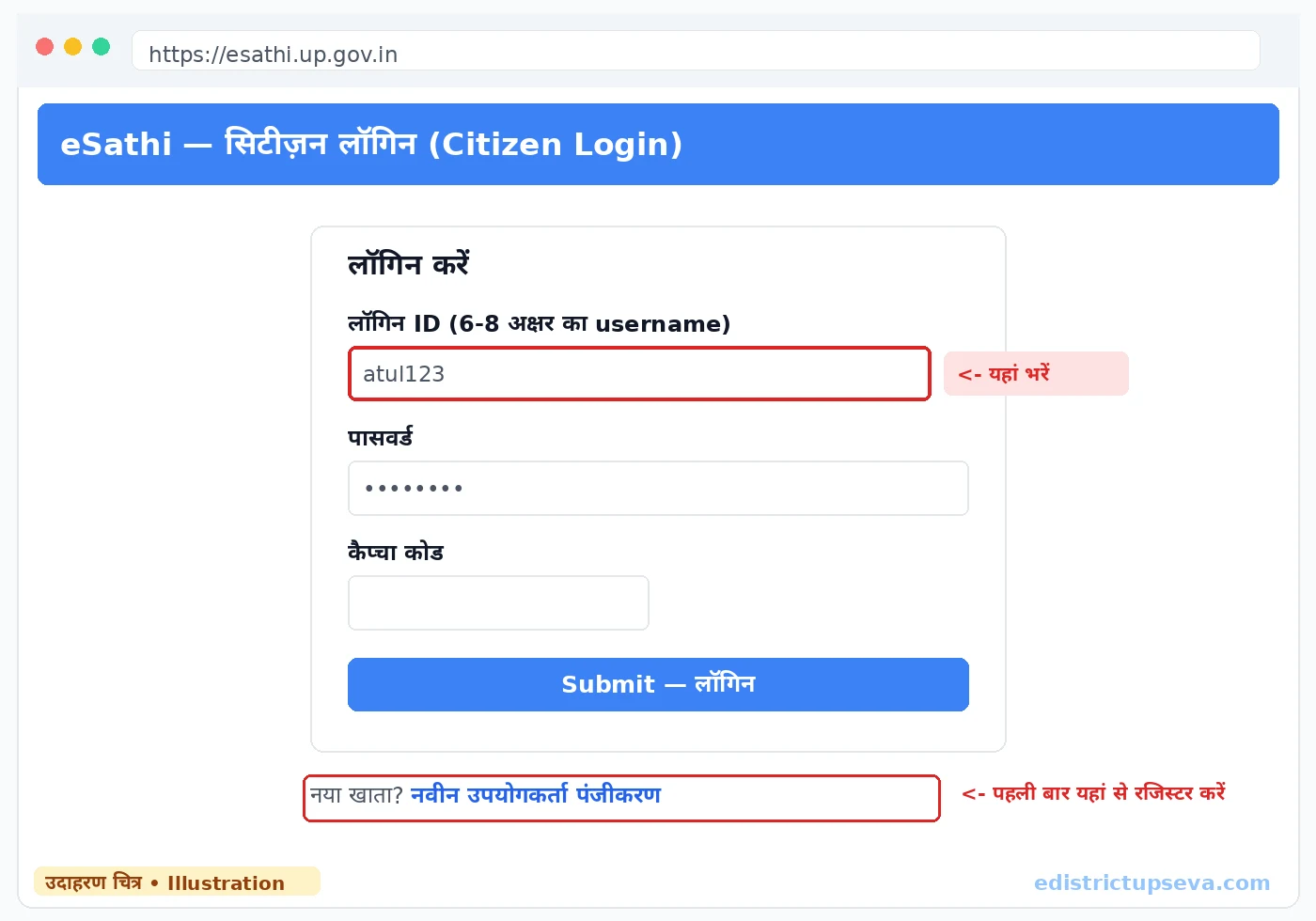
Go to esathi.up.gov.in. First-time users register through "New User Registration" (नवीन उपयोगकर्ता पंजीकरण): name as on Aadhaar, date of birth, address with district and PIN, Aadhaar-linked mobile, a 6–8 character login ID, Aadhaar OTP verification, and a permanent password set on first login. Existing users log in with ID, password and captcha.
Open certificate services
From your dashboard, open the certificate services (प्रमाण पत्र सेवाएं) list of the revenue department.
Select "Domicile Certificate"
Choose the domicile/residence certificate (निवास प्रमाण पत्र) service and read the on-screen information about documents and fee for this certificate.
Fill the personal and address details
Enter the applicant's name, father's or husband's name, date of birth, gender, and the complete permanent address — state district, tehsil, block, village or ward, house number and PIN. The address written here is the address that will be physically verified, so write the one where you actually live.
State the basis of residence
The form asks how long you have lived at this address and on what basis — birth, family home, long residence or property. Answer consistently with your documents: if your electricity bill is two years old and your ration card is ten years old, the period you claim should match what the papers show.
Select rural or urban
Pick ग्रामीण or नगरीय as per your address so the file reaches the Lekhpal or Revenue Inspector who covers your area (see the section above on why this matters).
Upload the documents
Upload the photograph, Aadhaar, ration card, address proofs and the signed self-declaration (JPEG). Keep each file under 100KB and readable; the verifying officer reads these scans before visiting.
Submit and pay the fee
Review the preview once — especially the address spelling and PIN — then submit and pay ₹10–15 through PAYGOV using UPI, net banking or a debit card. A debited-but-pending payment usually reconciles within 24–48 hours; do not pay a second time.
Save the SRN and stay reachable
Note the Service Request Number (SRN) sent by SMS and on screen. During the verification days, keep a family member available at the address — the field enquiry carries real weight, and a house found locked with nobody aware of the application can produce a negative report.
Fees: applying yourself vs through a CSC
| Route | Government fee | Extra charges | Total you should pay |
|---|---|---|---|
| eSathi (self-apply online) | ₹10–15 | None | ₹10–15 |
| CSC / Jan Seva Kendra | ₹30 | ₹30–50 facilitation | ₹60–80 |
Through a CSC the operator files the form on your behalf using their operator credentials — your personal eSathi password stays with you. The CSC guide explains how to use a centre safely.
Check status and download the certificate
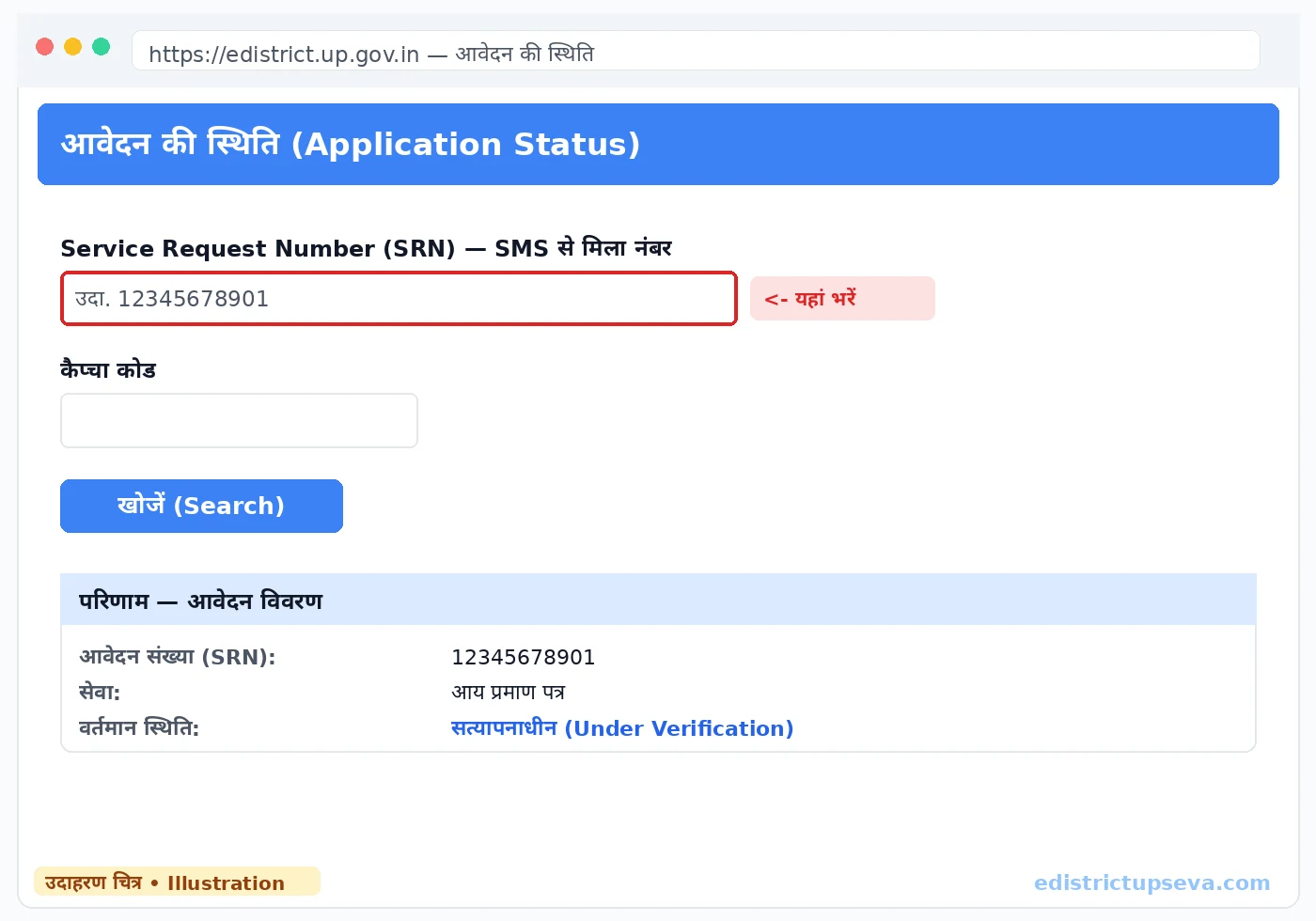
You can follow the file with your SRN at any time — how status tracking works, and what labels like Under Verification, Forwarded to Tehsildar and Approved mean, is detailed in the status check section of the homepage guide. Once the status shows Certificate Generated, download it from eSathi: Completed Applications → your application → Print → Save as PDF. The signed PDF with its QR code is the permanent certificate — valid for life, so store it in email or cloud storage and in DigiLocker, where it appears after a few days.
Common rejection reasons — and how to fix them
- Residence not confirmed in field verification — the officer could not establish that you live at the address. Reapply when you are actually residing there and inform neighbours and the Pradhan that an enquiry may come.
- Weak or conflicting address proof — Aadhaar showing another state, or bills in unrelated names. Update Aadhaar address first, or add the ration card and voter ID that match the claimed address.
- Wrong rural/urban selection — correct the category so the file reaches the right officer.
- Self-declaration missing, unsigned or sent as PDF — sign it and upload a clear JPEG under 100KB.
- Short or unclear residence period — if you recently moved, attach the strongest available proof of continuous residence; where the period genuinely falls short, the application cannot succeed yet.
- Name mismatch with Aadhaar — align spellings across the form and all documents.
There is no penalty for a rejected application. Correct the pointed-out issue and apply again. For files pending more than 15 working days, raise a complaint on the portal or call 0522-2304706 with your SRN; you can also write to ceghelpdesk@gmail.com.
Related guides
- Income Certificate in UP — the other certificate most admissions and scholarships ask for together with domicile.
- Caste Certificate in UP — SC/ST and OBC NCL certificates, documents and validity.
- Self-Declaration Form — the mandatory signed declaration used in domicile applications.
- Parivar Register Nakal — the family register copy from the panchayat, often used as supporting residence evidence.
Frequently Asked Questions
Who is eligible for a domicile certificate in UP?
How much does a domicile certificate cost in UP?
How long is a UP domicile certificate valid?
How many days does it take to get a domicile certificate?
Can I get a domicile certificate if I live in a rented house?
What is the difference between a domicile and a residence certificate?
My domicile application was rejected. What should I do?
Can a person hold domicile certificates of two states?
Last updated: 22 October 2026